Last Updated: April 2026 | Reviewed by Alex Hunter, Senior SaaS Editor
Canva Review 2026: Design Anything, Zero Training? (Honest Operator Take)
Canva won by making “good enough design” accessible. For most small businesses, the old options were brutal: hire a designer for every asset, or learn a pro tool and lose days to details. Canva turned design into a workflow: templates, brand presets, collaboration, and a library big enough to ship marketing without friction.
In 2026, Canva is no longer “the social media tool.” It’s a publishing system for:
- ads and creative variants,
- brand kits and multi-channel campaigns,
- slides and proposals,
- quick video,
- and AI-assisted asset generation.
Table of Contents
Quick Comparison: Canva vs Adobe Express vs Figma
| Tool | Best For | Strength | Tradeoff |
|---|---|---|---|
| Canva | Marketing assets at speed | Templates + brand governance | Not a pro vector tool |
| Adobe Express | Adobe ecosystem users | Brand assets + quick edits | Less “suite” cohesion |
| Figma | UI/UX design systems | Precision + components | Overkill for marketing teams |
What Is Canva?
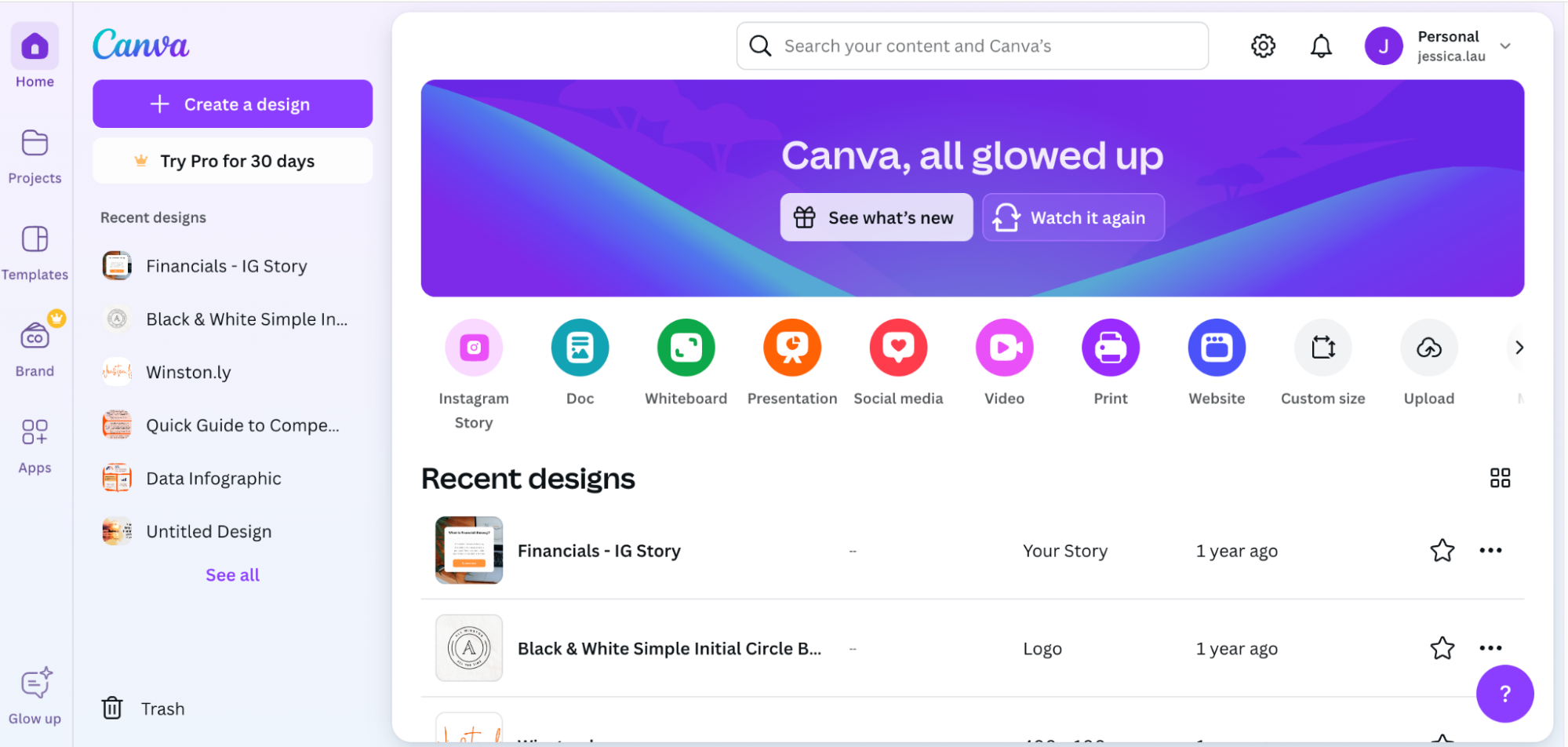
Canva is a browser-based design platform built around templates, drag-and-drop editing, and brand consistency. It’s designed for non-designers, but it also supports enough depth (layouts, typography, grids, export formats) that a marketing team can run most daily creative in Canva even if they also use pro tools for high-end assets.
The Real Workflow: How Teams Actually Use Canva
The “real” Canva workflow in a small business usually looks like this:
- Start from a template or previous campaign asset.
- Swap copy and visuals, keep layout consistent.
- Export variants for each channel (social sizes, ads, blog headers).
- Reuse the same “campaign kit” across weeks.
This matters because most teams don’t need custom design every time—they need consistent production. Canva is production-first.
Magic Studio & AI Tools (What’s Actually Useful)
Canva’s AI features are most valuable when they remove repetitive work—not when they try to replace good taste. The best uses in practice:
- Resize and repurpose: turn one asset into multi-channel variants quickly.
- Background removal and cleanup: product photos and headshots without Photoshop.
- First-draft generation: social post visuals and ad variants to iterate from.
- Quick copy suggestions: drafts for headlines and snippets.
The limitation is predictable: AI can produce “good enough,” but it often produces “generic.” Canva still wins because it makes iteration cheap—humans can adjust and ship.
Brand Kit & Governance: The Reason Teams Stay
Brand Kit is the feature that turns Canva from “nice tool” into “marketing infrastructure.” A good setup includes:
- brand colors,
- fonts and type scale,
- logo lockups,
- approved templates,
- rules for usage (“no stretching logos”, “no random fonts”).
Once your team has a brand kit, every new asset starts closer to correct. That’s the hidden ROI: fewer revisions and fewer off-brand posts.
Collaboration & Approvals
Canva is built for teams. The collaboration loop is simple: comment, suggest changes, approve, publish. That workflow removes the old pain of design being stuck in email threads or scattered across folders.
For agencies, this is also client-friendly: clients can review and comment without learning a complex design tool.
Video & Motion: “Good Enough” for Most Marketing
Canva’s video tooling won’t replace professional editors. But for common marketing use cases—short clips, simple animations, social videos, basic captioning—it’s often enough. The key is that your team can produce video without introducing a new tool and a new learning curve.
Pricing & Value
Canva’s free plan is surprisingly capable. Canva Pro is where the value stacks up for teams: Brand Kit, premium assets, and the features that turn Canva into a system rather than a template playground.
If your marketing output matters, Canva Pro often pays for itself in time saved and consistency gained—even if you still use a pro tool for some design work.
Who Canva Is Best For
- Small businesses that need consistent marketing output.
- Teams without a full-time designer.
- Agencies producing repeatable assets for clients.
- Founders and creators who want speed over perfection.
Who Should Avoid It
- Design teams building complex vector systems and UI components (Figma is better).
- Work that requires deep color management, advanced illustration, or high-end print workflows.
- Teams that need strict design system constraints beyond what Canva’s governance supports.
Final Verdict
Canva is still one of the highest-ROI tools for small businesses in 2026. Its real value isn’t “anyone can design.” It’s that teams can ship consistent marketing assets quickly, with brand governance and collaboration built in. If your bottleneck is creative output, Canva removes friction fast.
Start Designing with Canva →